
NETWORK CABINET CABLE INTERFACES
Network cabinet cable routing works when entry plates, rack rails, channels, trays, service loops and removable covers share one mechanical interface drawing. “Leave room for cables” is a wish; a bundle envelope with datums is an input.
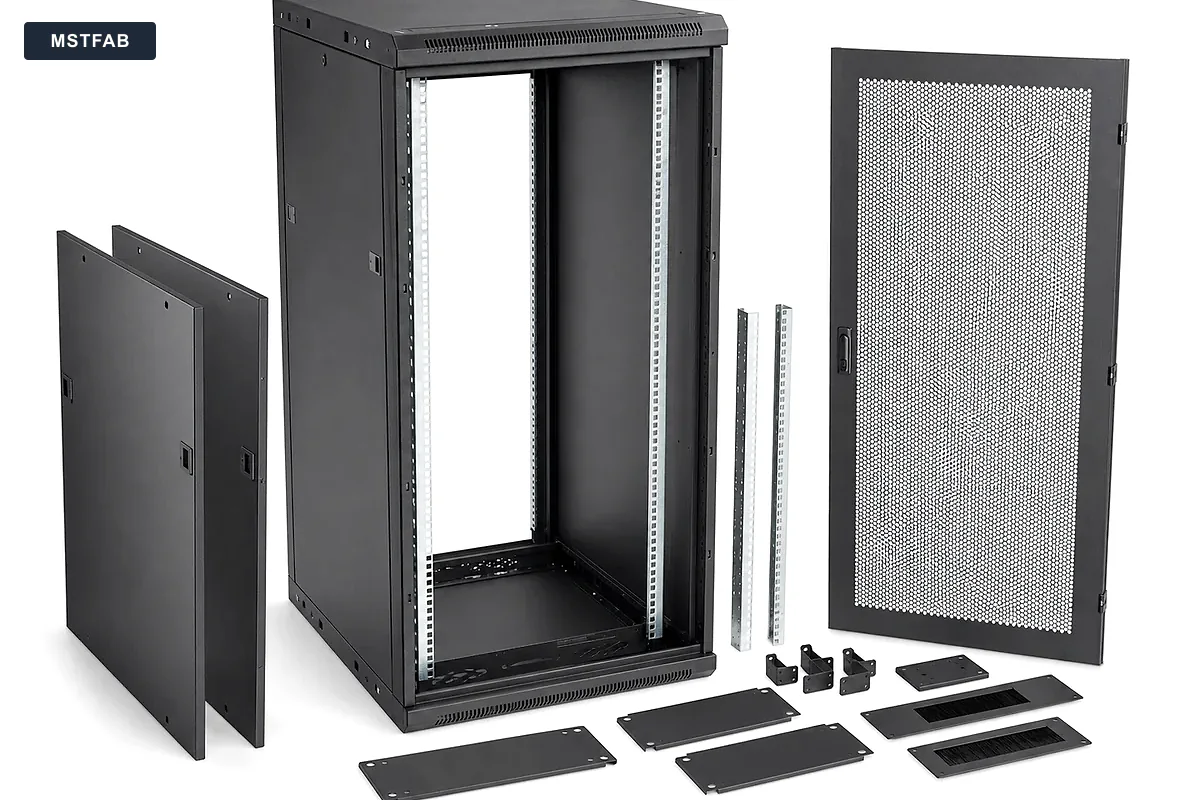
Start With a Cable Interface Schedule
| Interface | Buyer input | Metalwork output |
|---|---|---|
| Entry | Direction, bundle size, glands or brush product and keep-out zone | Removable plate, opening, fasteners and edge condition |
| Rack zone | Rail pattern, equipment depth and connector projection | Rails, brackets and controlled clearances |
| Vertical route | Bundle envelope, tie spacing, segregation and load | Channels, slots, covers and supports |
| Service state | Panels removed, tools, live cable state and access order | Removal path, cover access and retained hardware |
Coordinate Rails, Connectors and Cable Sweep
Rail position controls the remaining space behind equipment and beside the rack. Model connector projection, cable sweep, door clearance and adjustment range in the same assembly. Check both front and rear service states. Cable bundles remain remarkably indifferent to how tidy an empty CAD cabinet looks.
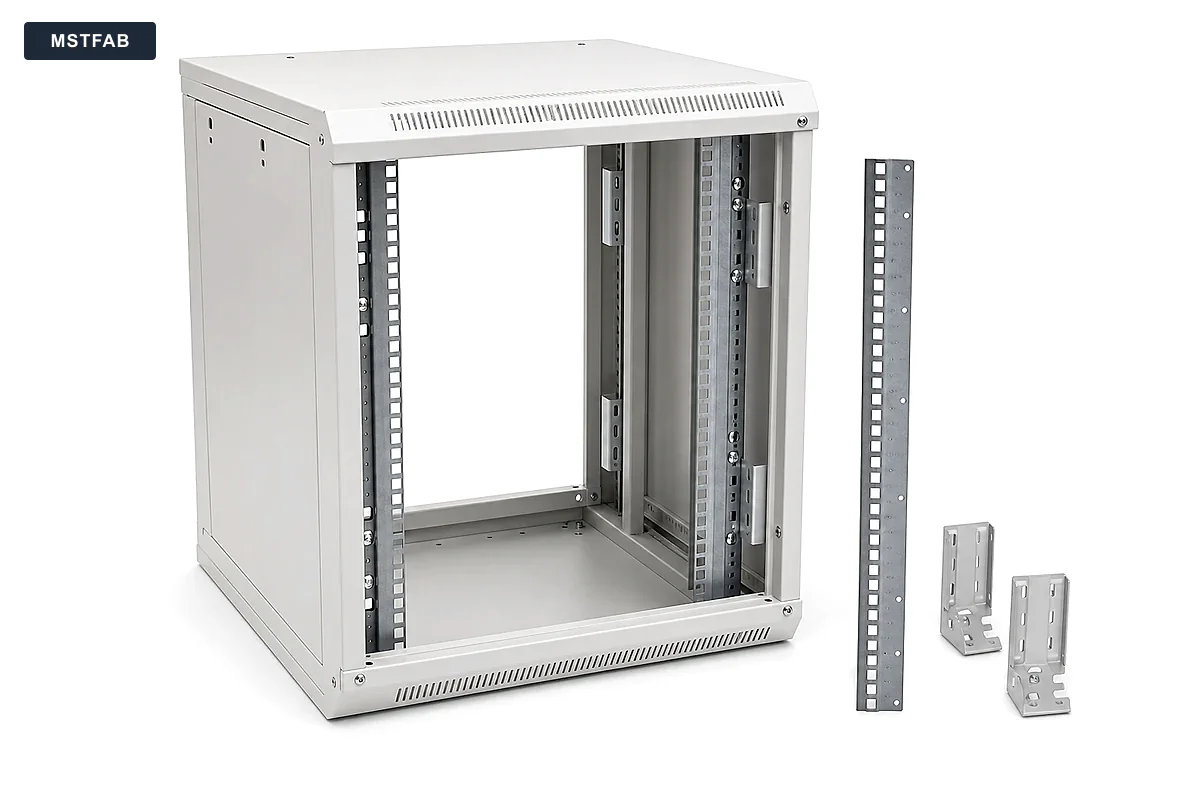
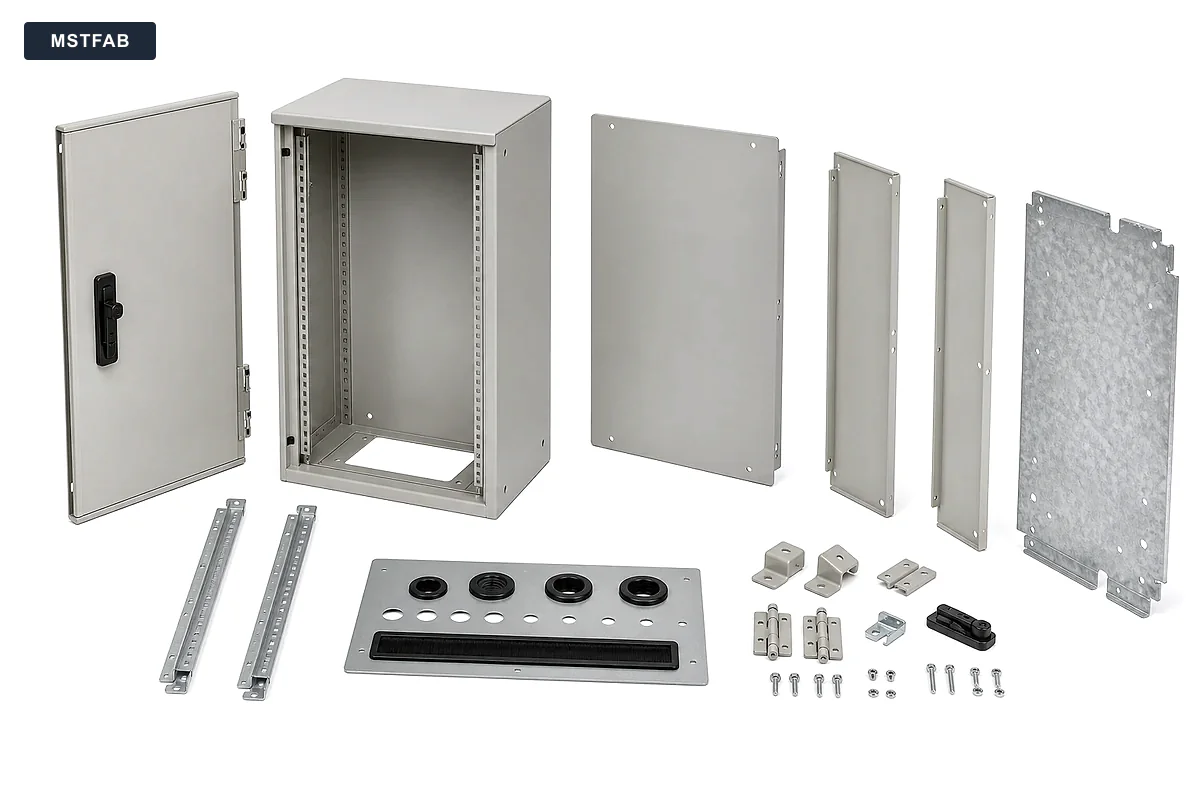
Design Entry Plates and Covers for Service
Define opening size, fastener pattern, removal direction, edge protection and the installed gland or brush interface. Covers and channels should remain reachable after equipment is installed. For fiber trays, the buyer supplies the permitted bend geometry and pulling limits; the fabricator forms and inspects the approved tray.
Buyer Trust Table
| Supplier phrase | Evidence to request | Buyer value |
|---|---|---|
| “Good cable management” | Interface schedule and controlled routing drawing | Defines the actual route |
| “Plenty of space” | Bundle envelope, connector projection and service state | Makes clearance measurable |
| “Fiber friendly” | Buyer-approved bend geometry and tray inspection | Keeps optical requirements with the network owner |
| “Easy maintenance” | Removal sequence, tool access and first-article trial fit | Tests the service route |
Use One Record for Each Cable Interface
Give each entry plate, routing panel or support a unique interface identifier. Connect it to the cabinet assembly revision and the relevant part drawing. This prevents an email describing a new cable bundle from becoming an undocumented instruction to enlarge a cutout.
| Record field | What to enter | Release check |
|---|---|---|
| Interface and part | Unique identifier, part number, drawing revision and cabinet location | The model, drawing and BOM identify the same part |
| Buyer source | Selected cable, connector or entry-hardware reference and source revision | Required dimensions and handling limits are approved, not provisional |
| Acceptance condition | Datum, critical dimensions, finished condition and agreed fit-check method | Both parties know what will be measured and recorded |
| Open decision | Missing input, responsible owner and required approval stage | The affected work is not released on an unresolved assumption |
Close the First Article Against That Record
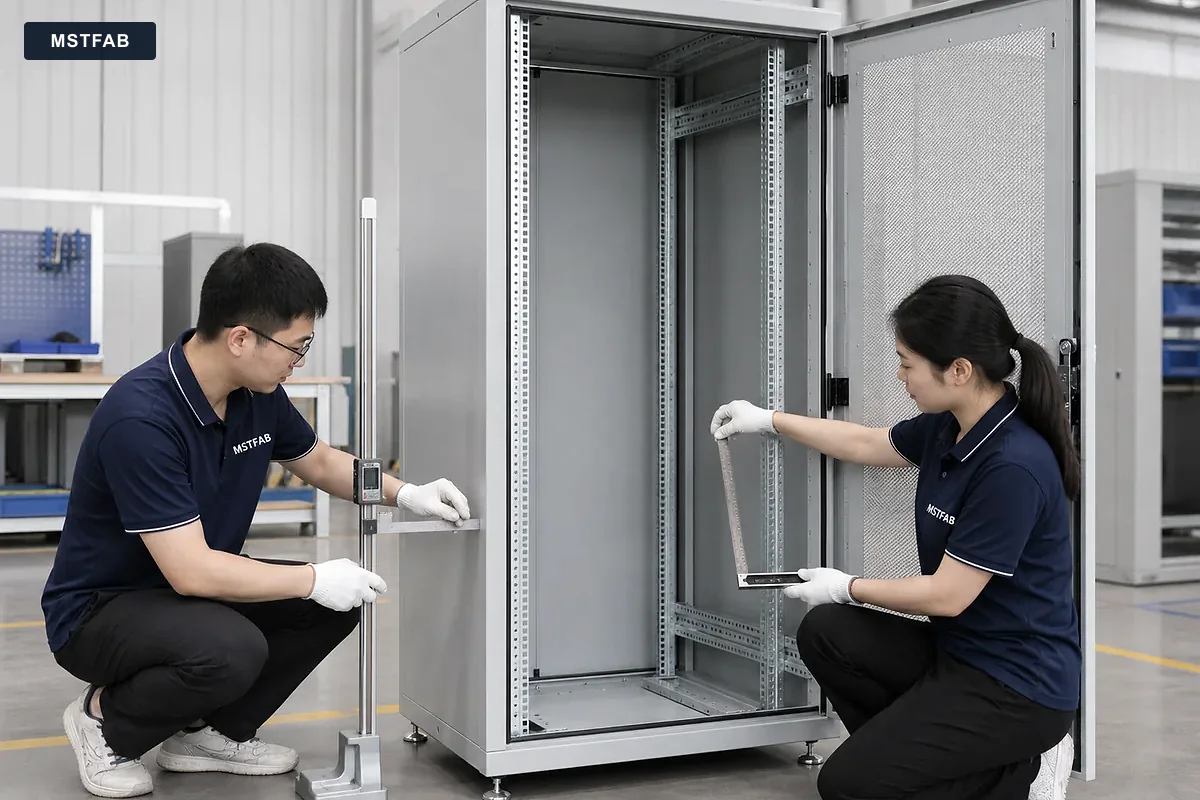
Record the sample identifier and drawing revision beside the agreed dimensions and observations. If actual mating equipment is unavailable, identify whether the check used a buyer-approved gauge or reviewed only the metal geometry. Do not describe a partial check as a complete installation trial.
Where a cover cannot be removed without disturbing a cable route, document the conflict and request a design decision. A proposed slot, split cover or revised fastener position should enter change control before production. Record whether any accepted deviation applies only to the sample or revises the repeat-order specification.
This record format is a suggested purchasing tool, not evidence of a completed customer inspection. Define the required documents and any buyer-supplied mating components in the quotation.
Network Cabinet Cable RFQ Checklist
- Cable families and bundle envelopes
- Entry direction and selected hardware
- Buyer-approved bend limits
- Power and data segregation
- Rack pattern and equipment depth
- Connector projections modeled
- Channel and tray loads
- Cover-removal sequence
- CTQs and first-article fit checks
- Loose-part labeling and packing
Frequently Asked Questions
Does MSTFAB choose cable bend radius?
No. The buyer defines cable and connector requirements. MSTFAB fabricates the approved tray or guide geometry.
Can brush strips and glands be included?
They can be included when part numbers, mounting details, supply ownership and acceptance checks are stated in the purchase scope.
Does a mechanical trial fit validate network performance?
No. It verifies agreed metal interfaces. The buyer remains responsible for cabling, grounding, airflow and system performance.
Send the Cable Interface Drawing Package
Share the cabinet model, cable envelopes, entries, rails, service states, finish and inspection requirements. For commercial scope and drawing-defined shell manufacture, see our network cabinet fabrication service.
 WeChat Contact
 WhatsApp Me Directly