⚡ Direct Answer: How to Protect 3D CAD Files When Sourcing Sheet Metal Overseas?
Protecting proprietary CAD data during overseas sheet metal procurement requires a disciplined 4-stage engineering and cyber protocol: 1) Export Neutral, Defeatured Formats Only: Never send native CAD files (.SLDPRT, .IPT, .PRT) containing parametric feature trees, design histories, or internal trade secrets; export neutral STEP AP242 / AP214 files containing only external boundary surfaces and bend geometry; 2) Strip Internal Electronics & Mechanical Payloads: Suppress PCB models, proprietary optical brackets, and sensor mounts from enclosure models before exporting; 3) Enforce Dynamic PDF Watermarking & Version Locking: Release 2D production drawings with permanent diagonal watermarks stating the supplier’s legal name, authorized use restriction, and drawing release timestamp; and 4) Utilize Controlled Virtual Data Rooms (VDR): Distribute files via secure, expiring download links with tracking logs, avoiding uncontrolled email broadcasts to multiple brokers.
When sourcing sheet metal enclosures for medical devices, telecommunications infrastructure, or robotics, engineering files are often casually distributed across unmonitored supplier networks. A single email containing an unencrypted native CAD package allows any recipient to modify, reverse-engineer, and mass-produce your proprietary mechanical architecture. Establishing systematic CAD export governance prevents data leaks before they happen.

CAD File Export Format Security Hierarchy
Select the appropriate file format based on manufacturing task to balance fabrication accuracy against IP exposure:
| File Format | Data Contained | IP Exposure Risk | Recommended Manufacturing Use |
|---|---|---|---|
| Native CAD (.SLDASM, .SLDPRT, .CATPart) | Full parametric sketch history, equations, sheet metal K-factors, material properties | Critical Risk (100% Reverse-Engineerable) | NEVER release to external contract manufacturers. |
| Neutral STEP (.STP / .STEP AP242) | Dumb solid boundary geometry, bend faces, hole diameters, GD&T PMI annotations | Controlled / Moderate | Industry standard for CNC bending simulation and CMM inspection programming. |
| Flat 2D DXF / DWG (1:1 Scale) | Unfolded cutting contours, hole cutouts, bend centerlines | Low (Flat skeleton only) | Ideal for fiber laser cutting and CNC punching CAM nesting software. |
| Vector 2D PDF (Watermarked) | Flange dimensions, bend angles, critical tolerances, finish callouts, title block | Lowest (Human-readable only) | Sole authorized format for preliminary quotation and final QA acceptance. |
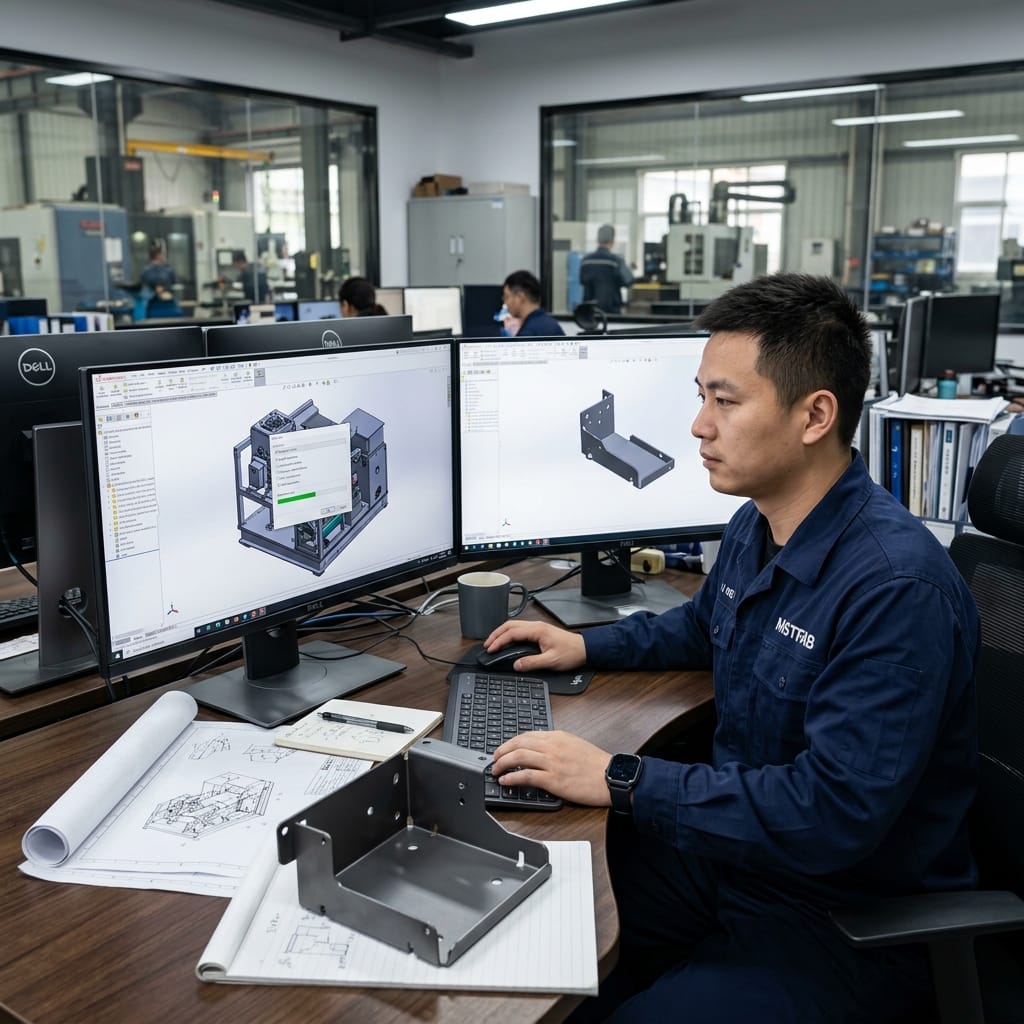
Step-by-Step CAD Sanitization Workflow Before RFQ Release
Follow this strict 4-step CAD sanitization protocol in your engineering CAD department:
- Step 1: Suppress Non-Fabricated Payloads: In SolidWorks or Inventor, create a dedicated “Export Configuration”. Hide and suppress all internal circuit boards, cable harnesses, motors, optical assemblies, and purchased catalog hardware (screws, fans).
- Step 2: Defeature Proprietary Geometry: If internal mounting brackets reveal sensitive sensor locations, export them as separate disconnected part files rather than providing the interconnected chassis assembly.
- Step 3: Export to Neutral STEP AP242: Save the external sheet metal components as a neutral STEP file. This converts parametric features into fixed B-rep solid bodies that cannot reveal your design calculations.
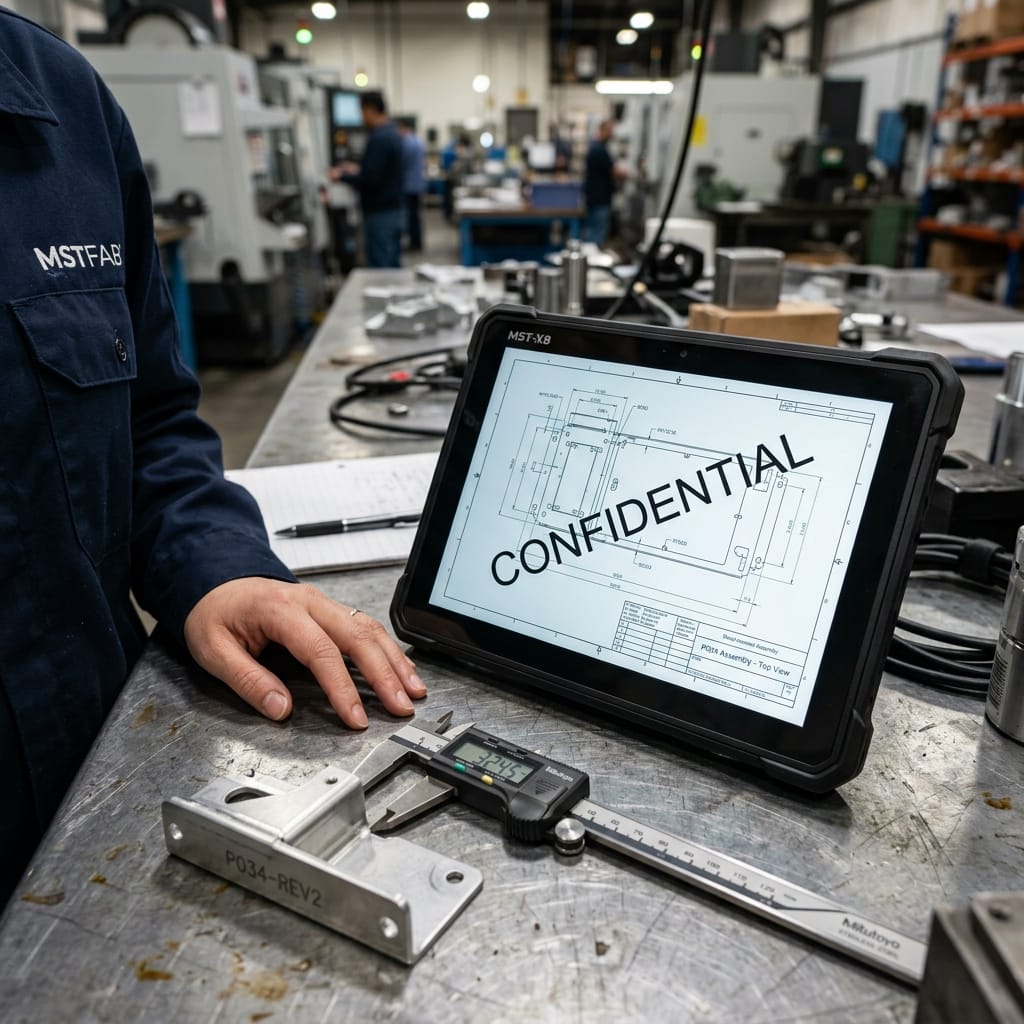
- Step 4: Watermark and Flatten 2D Drawings: Export engineering PDFs with locked, semi-transparent diagonal watermarks stating: “CONFIDENTIAL — PROPERTY OF [COMPANY] — RELEASED EXCLUSIVELY TO [SUPPLIER NAME] FOR QUOTATION”.


Secure Scalable Secure CAD Engineering Collaboration Sourcing With MSTFAB
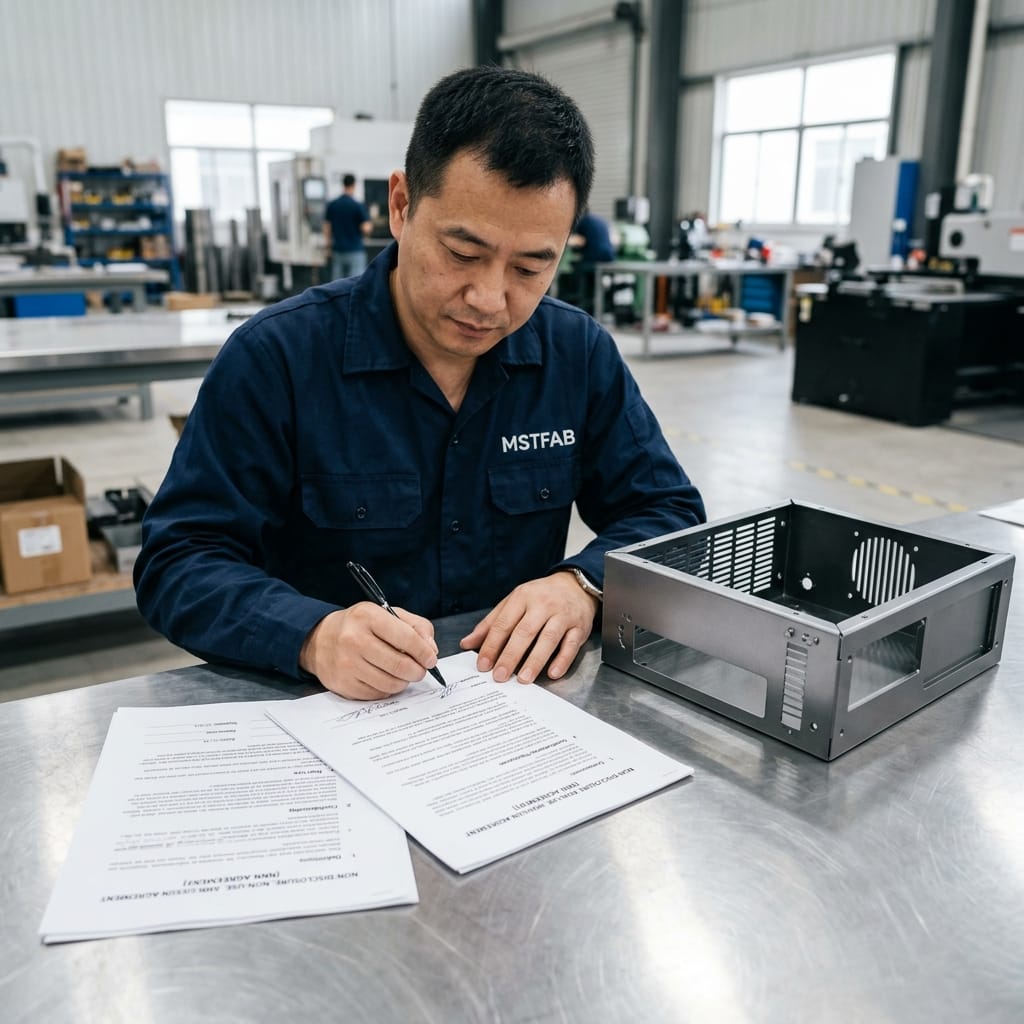
MSTFAB operates high-capacity automated fiber laser towers, robotic press brakes, and in-house powder coating lines backed by China-enforceable NNN IP security and reserved capacity agreements. Accelerate your production with zero downtime.
Frequently Asked Questions (FAQ)
Does MSTFAB require native CAD files to program fiber lasers and press brakes?
No. MSTFAB’s CAM programming software (including Bystronic BySoft, Trumpf TruTops, and Amada VPSS) imports neutral 3D STEP (.STP) and 2D DXF files directly. Our engineers automatically extract 3D bend geometry, calculate shop-floor K-factors, and generate laser nesting programs without ever requiring your native parametric CAD files.
Why is STEP AP242 superior to STEP AP203 or IGES for sheet metal?
STEP AP242 supports Model-Based Definition (MBD) and Semantic Product and Manufacturing Information (PMI). This allows engineering teams to embed GD&T tolerance callouts, surface finish roughness, and thread specifications directly onto the 3D solid model without revealing underlying CAD construction history.
How does MSTFAB secure digital client files internally?
All client CAD models are stored on private, encrypted server partitions accessible solely by designated DFM engineers. Shop-floor machine terminals receive NC cutting codes via isolated local network with physical USB ports disabled, ensuring zero unauthorized file copying.
 WeChat Contact
 WhatsApp Me Directly